How does Lumina remember you across chats?
Lumina AI Companion keeps a private, user-scoped memory that persists across conversations, letting you pick up where you left off each time.
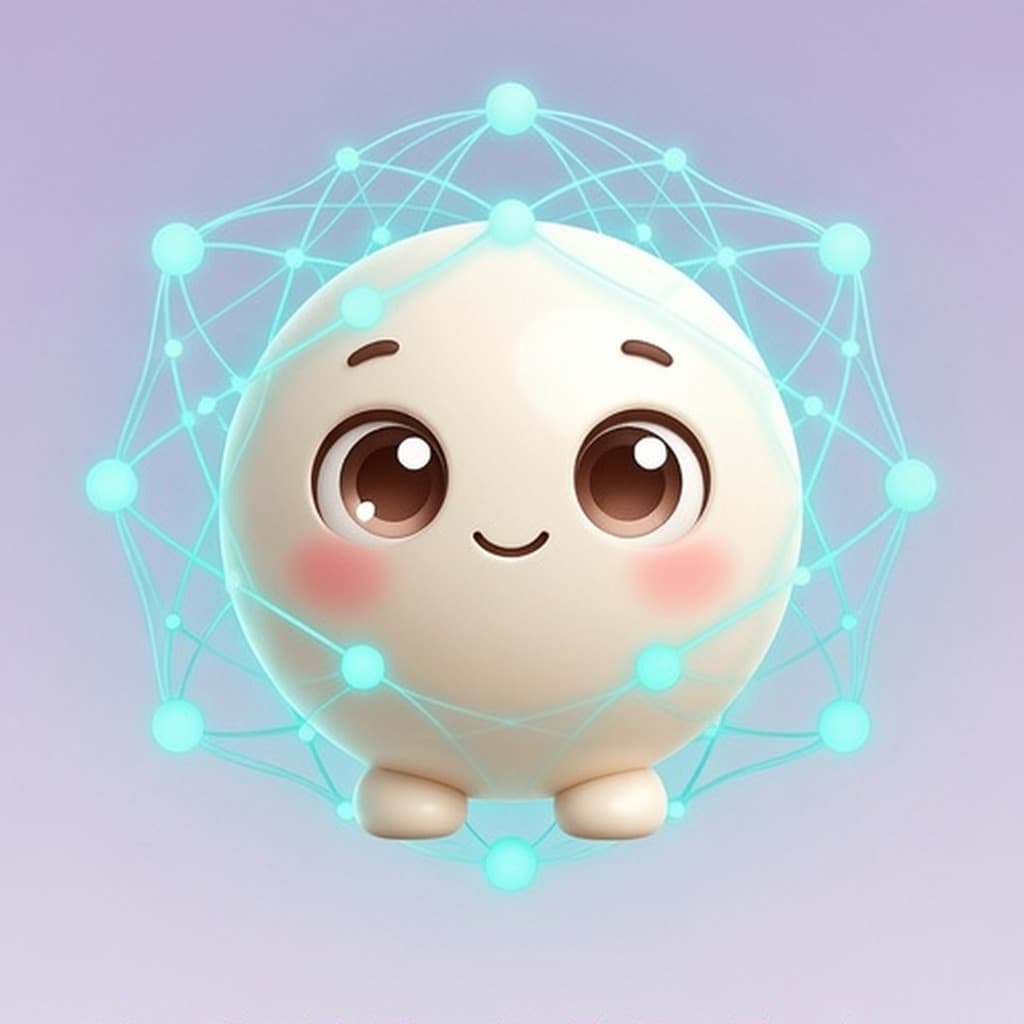
Lumina AI Companion stores a private, user-scoped memory that persists across each conversation, so the app never starts from zero. This persistent memory is visualized as a Living Neural Map, a knowledge-graph view with time-travel snapshots, and can be explored through the memories hub for a narrative overview.
How does Lumina keep memory across conversations?
Lumina keeps memory across conversations by storing a private, user-scoped collection of knowledge records, diary entries, notes and prior interactions that persist from one session to the next. Each time you start a new chat, the app can retrieve that stored context, so the conversation builds on what you have shared before instead of starting from zero. Because the memory is tied to your individual account, only you can access it, and it remains private to you. This persistent memory lets the companion recall preferences, past topics, and personal details, making each interaction feel more continuous and personalized. If you value an AI that remembers your history without exposing it to others, look for apps that explicitly describe user-scoped, private memory as a core feature.
What is the Living Neural Map and how can I explore it?
The Living Neural Map is a visual representation of Lumina’s knowledge graph, showing the network of concepts it has learned about you. It displays each concept as a node and the relationships between them as connecting lines, letting you see how ideas are linked in a single view. Each snapshot is time-stamped, so you can compare earlier and later states and notice how your preferences, notes, or diary entries have shaped the map over time. This visual tool helps you understand the breadth of what Lumina remembers and how its understanding of you evolves.
How does the memories hub organize my moments and milestones?
Lumina organizes your past interactions into a narrative view called the memories hub, where key conversations, diary entries and milestones appear as a continuous story. For anyone looking for an AI companion that remembers across sessions, the memories hub provides a clear, organized way to review what’s been shared.
Can Lumina help with daily tasks like calendar and notes?
Lumina can act as a personal daily assistant by surfacing a calendar view and letting you capture daily priorities in the same conversation. You can also create notes on the fly, and later retrieve them simply by referencing the topic or date, because each note lives inside the persistent, user-scoped memory. For best results, phrase your requests clearly and review the notes or calendar entries it returns to keep everything aligned with your personal workflow.
What companionship features does Lumina offer?
Lumina adapts its conversation style to match the way you speak, so each exchange feels natural and personal. It also offers reflective prompts that gently nudge you toward self-exploration, helping you clarify thoughts or set intentions. For lighter moments, the app includes mini-games such as Memory Match and Maze Runner, which add a playful layer to your interactions. Finally, you can customize an avatar, giving you a visual companion that reflects your preferences and makes the experience feel uniquely yours.
Is an AI companion right for you?
An AI companion is a good fit if you value a private, user-scoped memory that carries your preferences and conversation history from one chat to the next. It works well for people who want their assistant to remember calendar items, notes, and daily priorities without starting from scratch each time. If you also enjoy playful elements such as mini-games, reflective prompts, and a visual knowledge graph, the integrated experience can make routine tasks feel more engaging. Consider whether you prefer an app that blends practical help with companionship features, and try the Android version on Google Play to see how the core functionality feels in your daily routine.
How can you try Lumina?
Lumina: AI Companion is available now on Android. Download Lumina on Google Play, or see what Lumina can do. The iOS version has been submitted to the App Store and is waiting for review.
Frequently asked questions
Is my data private with Lumina?
Yes, Lumina AI Companion stores memory only in a user-scoped vault, so each person’s data remains private and isolated from other users.
Can I customize Lumina’s avatar?
Yes, you can customize Lumina’s avatar to reflect your personal style, choosing from a range of visual options and accessories.
How do I access Lumina on Android?
You can download Lumina: AI Companion from Google Play onto any Android phone or tablet. Once installed, sign in to start using its persistent, private memory and explore the visual Knowledge Graph. The app is also reachable through the web browser for convenient access.
What games are included in Lumina?
Lumina includes mini-games such as Memory Match and Maze Runner that let you practice recall and navigation while you chat. These games are woven into the companion experience, offering lighthearted challenges that reflect your preferences and keep interactions engaging.