Why your AI assistant forgets you every chat
AI assistants forget you because most are stateless by design and only see what fits in their context window. Here is what that means and what real continuity takes.
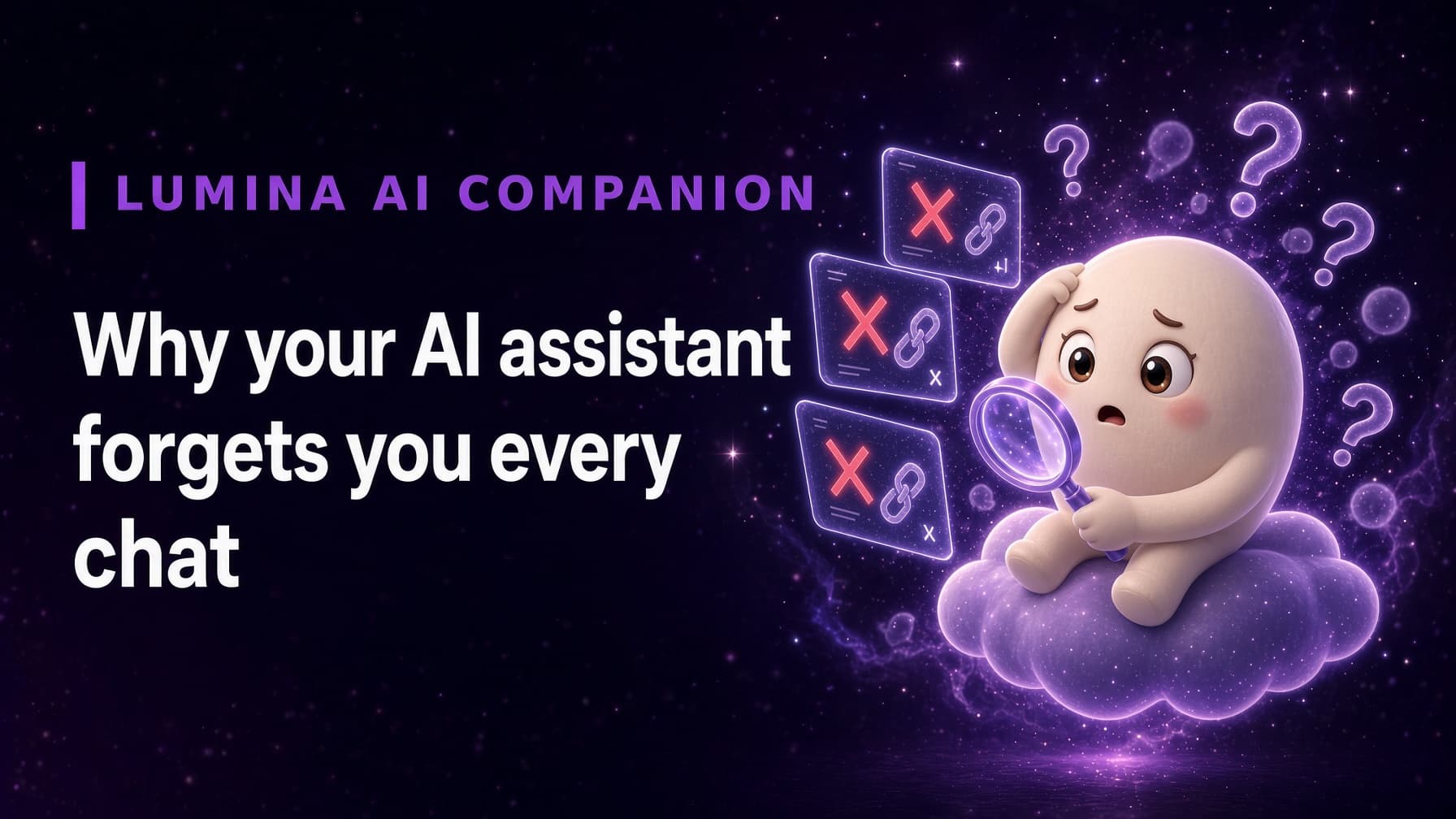
Most AI assistants forget you because they are built to be stateless: each conversation starts fresh, and the AI only sees what fits in its current context window. When a chat ends or grows too long, earlier details drop out unless the app saves them somewhere and brings them back later.
What does "stateless" mean in plain language?
Stateless means the AI does not carry anything over by default. Each time you start a conversation, it has no built-in record of the last one. It is like calling a helpful stranger every time: they can be brilliant in the moment, but they do not know who you are.
This is a reasonable design for many tasks. Setting a timer or summarizing a document does not require knowing your history, and starting fresh keeps things simple and predictable.
What is a context window?
Within a single conversation, the AI works from its context window: the text it can consider at once. Think of it as short-term working memory. Your messages and its replies all have to fit inside.
Context windows can be large, but they are not unlimited. In a very long chat, the earliest parts eventually fall out of view, which is why an assistant can lose track of something you said at the start. And when you open a new chat, the old window is usually gone entirely.
Why don't more apps just remember everything?
Remembering well is harder than keeping a transcript. An app that wants real memory has to decide:
- What to keep: not every sentence matters, and storing everything creates noise.
- When to bring it back: the right detail at the right moment, not every detail in every reply.
- How to keep it private: each person's memory has to stay separate and protected.
Many assistants are designed for quick, one-off tasks, so they skip this complexity on purpose.
What would real continuity require?
For an AI to feel continuous, it needs a memory that lives outside any single chat. Details you share should be saved, organized, and recalled when they become relevant again. And because no memory system is perfect, you should be able to see what was saved, so you can trust it and notice mistakes.
That is a different design goal from an assistant. It treats your history as the foundation of the product rather than an afterthought, an idea explored further in The orchestration layer: why the next AI apps won't be wrappers.
How does a memory-first companion approach it differently?
Lumina AI Companion was built around memory from the start. It keeps a persistent, user-scoped memory across sessions, so your history does not reset when you close the app. That memory is visible and explorable through the Living Neural Map, where concepts from your conversations appear as connected nodes, and time-travel snapshots show how the map has grown.
The result is a companion that can pick up a thread from weeks ago, and a memory you can open and check. For a side-by-side view of the two design philosophies, read AI companion vs AI assistant: what's the difference.
How can you try Lumina?
Lumina: AI Companion is available on Android through Google Play. Download Lumina on Google Play and try a companion that does not start over every time. The iOS version has been submitted to the App Store and is waiting for review.
Frequently asked questions
What is a context window in simple terms?
A context window is how much text an AI can consider at once, a bit like short-term working memory. Everything in the current conversation has to fit inside it. When a conversation grows past that limit, the earliest parts drop out of view.
Why don't all AI apps just remember everything?
Saving and retrieving memory well is harder than it sounds. Apps have to decide what is worth keeping, bring back the right details at the right time, keep each person's data separate, and respect privacy. Many assistants are built for quick tasks and skip it.
Can I make an AI assistant remember me?
Some assistants offer optional memory or custom instructions you can turn on. For ongoing continuity, look for an app built around persistent memory from the start, ideally one that lets you see and check what it has saved.