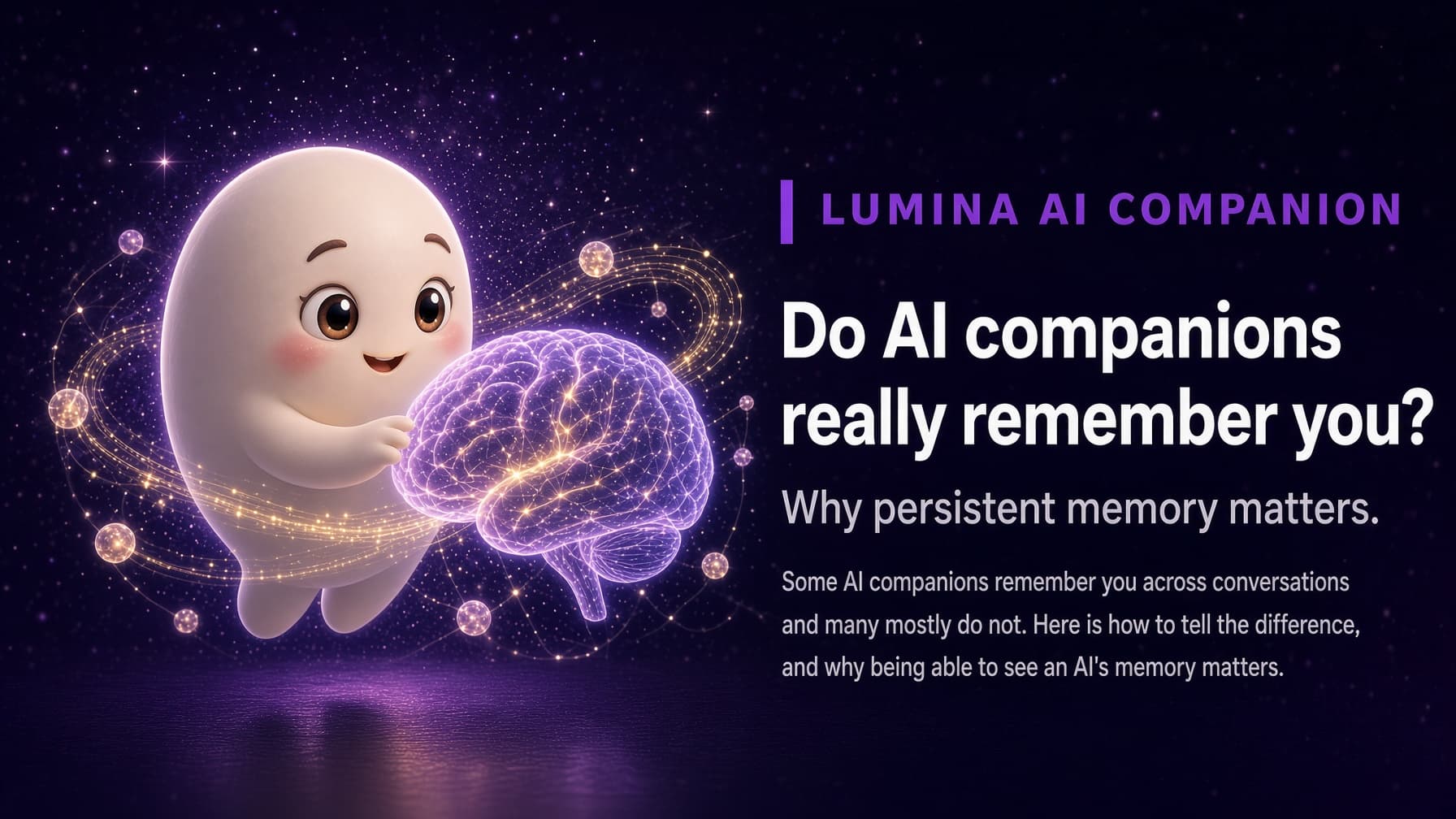
How AI memory works in companion apps
A plain-language guide to how companion apps remember you: conversation history, memory stores, retrieval, and the difference between invisible and visible memory.

Companion apps remember in three layers: the conversation you are having now, a store of details saved from past conversations, and a retrieval step that brings the right details back when they become relevant. Apps differ in what they save, how well they retrieve it, and whether you can see it.
What is conversation history?
The first layer is the conversation itself. While you are chatting, the AI can consider recent messages directly, which is how it follows along and stays on topic. This works like short-term memory: detailed, but limited in size and usually tied to one conversation.
On its own, conversation history is not enough for a companion. Very long chats push early details out of view, and a new conversation typically starts without the old one.
What is a memory store?
The second layer is a memory store: a separate record of what matters about you, kept outside any single conversation. When you mention your sister's name, a goal you are working on, or a food you cannot stand, a memory-focused app can save that detail so it survives after the chat ends.
Memory stores vary. Some save short notes or facts, some keep summaries of past conversations, and some organize what they learn into connected topics. The goal is the same: keep what is worth remembering, not every word.
How does retrieval bring memories back?
Saving a memory is only half the job. The third layer is retrieval: deciding which saved details are relevant to what you are talking about right now, and bringing them into the conversation.
Good retrieval is what makes a companion feel attentive. It lets the AI ask how the job interview went, or connect a comment about sleep to the morning routine you have been building. Weak retrieval is why some apps technically store a memory but never seem to use it.
What is the difference between invisible and visible memory?
In many apps, memory is invisible. It may be working well, but you cannot see what was saved, so you cannot check it, correct it, or understand why the AI said what it did.
Visible memory lets you open a view of what the app has kept. Some apps show a list of saved memories, and some show a map of how topics connect. Either way, visibility turns memory into something you can verify rather than trust blindly, which matters because no memory system is perfect.
What is the Living Neural Map?
The Living Neural Map is how Lumina AI Companion makes its memory visible and explorable. Lumina keeps a persistent, user-scoped memory across sessions, and the map shows it as a knowledge graph: concepts from your conversations appear as nodes, related ideas are linked, and the links strengthen the more those topics come up together.
Time-travel snapshots let you look back at how the map appeared weeks or months ago, so you can see not only what Lumina knows now but how that understanding grew. The memories hub complements the map with a narrative view of moments and milestones. Read more in How Lumina remembers you.
How can you try Lumina?
Lumina: AI Companion is available on Android through Google Play. Download Lumina on Google Play and explore your own Living Neural Map. The iOS version has been submitted to the App Store and is waiting for review.
Frequently asked questions
Does an AI companion store my whole conversation history?
It varies by app. Some keep full transcripts, others save selected details, and many do both in different ways. Check the app's privacy policy to see what is stored, how long it is kept, and whether you can delete it.
Why does an AI companion sometimes bring up the wrong memory?
Retrieval is a judgment call: the app has to guess which saved details are relevant right now, and sometimes it guesses wrong or misses something. Visible memory helps, because you can see what was saved and notice when something is off.
What is the difference between memory and a long chat?
A long chat only works within that conversation, and very early messages can fall out of view. Memory is kept separately and can be brought into brand new conversations, so details from weeks ago can still inform today's chat.